Keeping Company Data Secure With Remote and Hybrid Staff
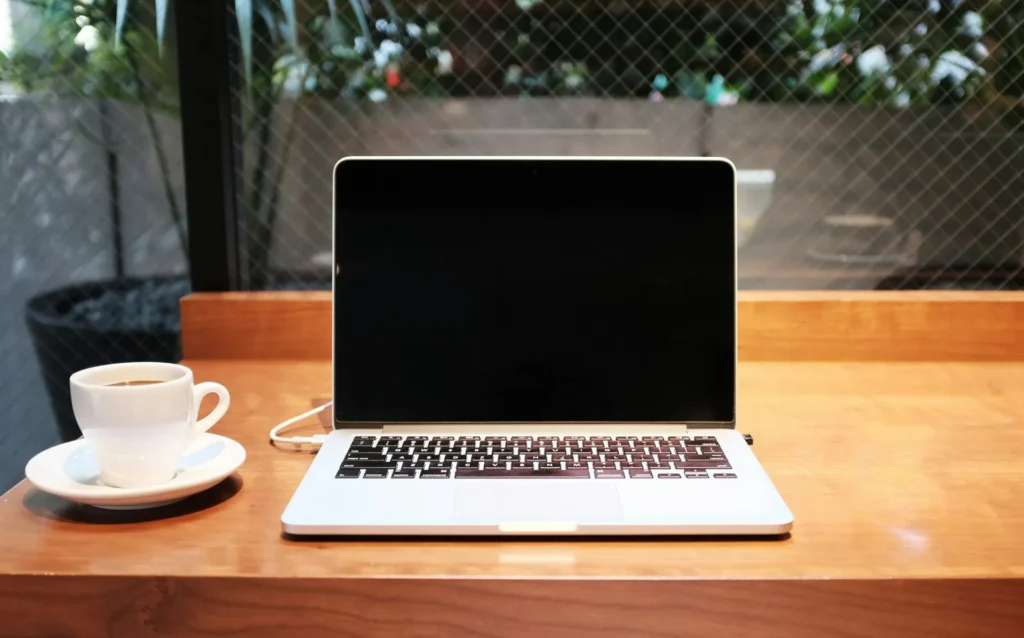
Hybrid work is now normal. Your data travels on laptops, sits on home networks and gets opened on personal phones. Security has to follow the person and the device, not the office.
The basics that matter most
- Managed devices. Company laptops enrolled in Intune get updates, encryption and remote wipe.
- Strong sign-in. MFA everywhere, passkeys where possible.
- Endpoint protection. Managed detection on every laptop, wherever it is. We use Huntress.
- Web filtering off the network. DNSFilter blocks bad sites at home and in the coffee shop too.
- Cloud files, not USB drives. Keep work in OneDrive, SharePoint or Google Drive with sharing limits.
- Backups for cloud data. Microsoft and Google do not keep everything forever. Cove covers it.
Personal phones
You can protect company email and files on a personal phone without controlling the whole device. App protection policies keep work data in work apps and let you wipe just that data if someone leaves.
Home networks
Ask staff to change their router's default password and keep firmware updated. Our router password guide walks through it.
For regulated offices, remote access rules matter even more. See our compliance page and our cybersecurity overview.
Want a second set of eyes on this? Book a 30-minute fit call with our Mechanicsburg team.