
When It Comes to Security, Two Factors Are Better Than One
Why every business account needs MFA, which methods resist phishing, and how to roll it out without frustrating your staff.
Blog
Why every business account needs MFA, which methods resist phishing, and how to roll it out without frustrating your staff.

A practical disaster recovery plan for small businesses: know what matters, set recovery goals, follow 3-2-1 backups and test the restore.
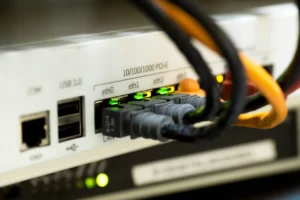
Zero trust means checking every user, device and app every time. Here is what it looks like for a small business and where to start.

Browser autofill can hand your saved logins to hidden forms and fake pages. Here is the safer way to use a password manager at work.

“We are too small to be a target” and four other cybersecurity myths that leave small businesses exposed, and what to do instead.
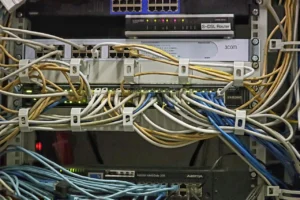
Step-by-step: log into your router, change the admin and Wi-Fi passwords, pick WPA3 and update firmware. Plus what businesses should do instead.

Hybrid work is permanent. Here is how to keep company data safe on laptops, home Wi-Fi and personal phones without slowing your team down.

A plain-English ransomware response checklist for small businesses: isolate, call for help, preserve evidence, notify your insurer and restore clean.

Microsoft accounts and Microsoft 365 now support passkeys and passwordless sign-in. What it means for your business and how to roll it out.
Teams, Zoom, Slack and shared files make work easier and leak data when set up loosely. Here are the risks and the settings that fix them.

Current password advice for businesses: length over complexity, a password manager, MFA everywhere and passkeys where you can.

What a managed service provider actually does for a small business: proactive monitoring, a real help desk, security and IT planning.


