IT for Specialty Medical Practices
IT for Specialty Medical Practices
IT SUPPORT FOR SPECIALTY MEDICAL PRACTICES
Specialty practices add equipment that general offices never deal with: imaging devices, diagnostic machines that export to the EHR, and large image files that have to open fast in the exam room. We keep those links working and the network fast enough to carry them.
- Imaging and diagnostic devices connected to the EHR
- Specialty EHRs such as ModMed, Nextech and WebPT supported
- Networks sized for large image files
WHAT BREAKS IN A SPECIALTY OFFICE
DEVICE EXPORTS
An OCT, ultrasound or x-ray unit stops sending to the EHR or PACS and techs start saving files to USB sticks.
OLD WINDOWS PCS
Diagnostic machines often ship with a Windows PC the vendor will not let you update. It needs to be fenced off from the rest of the network.
SLOW IMAGES
Large studies crawl over weak switches or Wi-Fi, and providers wait in the exam room while images load.
MULTIPLE SITES
Satellite offices need the same images, templates and phones as the main office.
A NETWORK BUILT FOR IMAGING
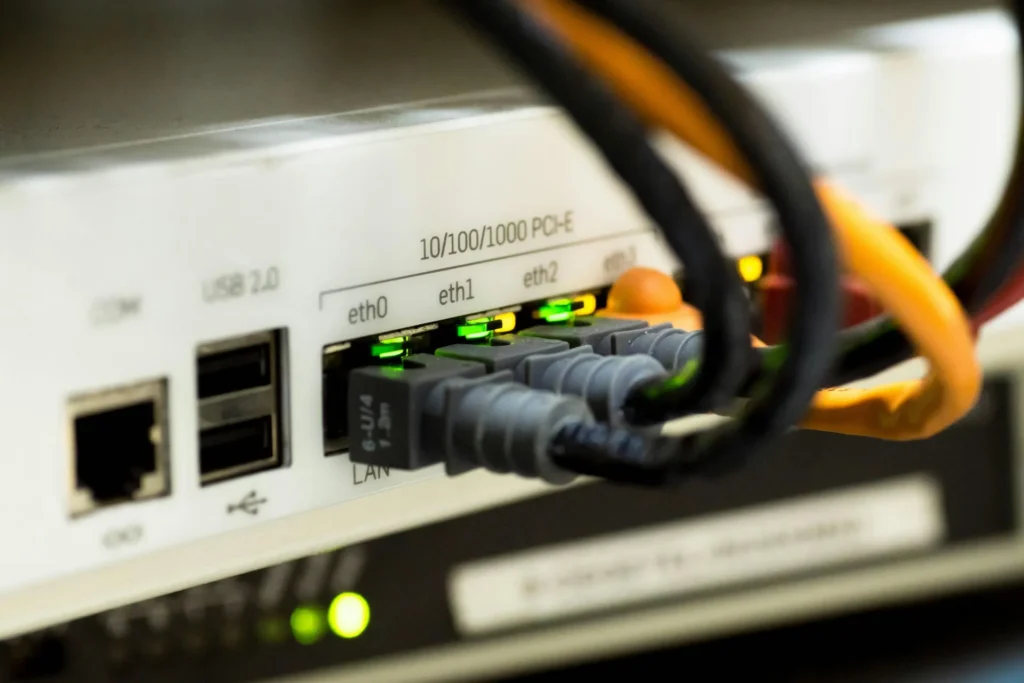
Image-heavy specialties need wired drops in procedure rooms, managed switches and a separate segment for devices that cannot be patched. We design that layout, document it and keep the device vendors’ remote access locked down.
- Separate network segment for diagnostic devices
- Vendor remote access by request only
- Wired drops where images are viewed
- Backups that include image archives
SPECIALTY SYSTEMS WE WORK AROUND
DERM, ORTHO AND EYE
ModMed (EMA) and Nextech for dermatology, orthopedics, ophthalmology and plastics.
THERAPY AND CHIRO
WebPT and other therapy platforms, plus chiropractic systems such as ChiroTouch.
IMAGING
PACS viewers, DICOM routing, digital x-ray, OCT, fundus cameras, visual field and ultrasound workstations.
CARDIOLOGY AND ENT
ECG and Holter systems, stress test carts and audiology booths that export to the EHR.
Device makers support their machines and EHR vendors support their software. We handle the network, the Windows side, the shares and the security so the pieces keep talking to each other.
SPECIALTIES WE SUPPORT
ORTHO AND PT
Digital x-ray, therapy scheduling, home exercise apps and front desk kiosks.
EYE CARE
OCT, fundus and field machines, optical POS and exam lane PCs.
CARDIOLOGY
ECG, Holter and stress systems tied to the EHR.
DERM AND ENT
Clinical photography, audiology booths and procedure room PCs.
WHEN AN IMAGING LINK STOPS
01
CHECK
Confirm the device, the network path and the receiving folder or PACS.
02
RESTORE
Fix the share, credentials or DICOM settings and resend the stuck studies.
03
VENDOR
Bring in the device or EHR vendor if the fault is inside their system.
04
PREVENT
Add monitoring so the next failure is spotted before a provider notices.
QUICK ANSWERS
In most cases, yes. We work with the device and EHR vendors on DICOM or file export settings and keep the shares and permissions working.
It is a risk, but it is common. We isolate it on its own network segment, limit what it can reach and back up its data.
Yes. We set up site-to-site connections so every office sees the same EHR, images and phone system.
No. They support the software. We support everything it runs on and coordinate with them.
Security first
Every managed client gets our layered security stack.
BRING US YOUR EQUIPMENT LIST
Send us the devices in your exam and imaging rooms. We will show you where the weak links are.
Or call 717-516-0600


